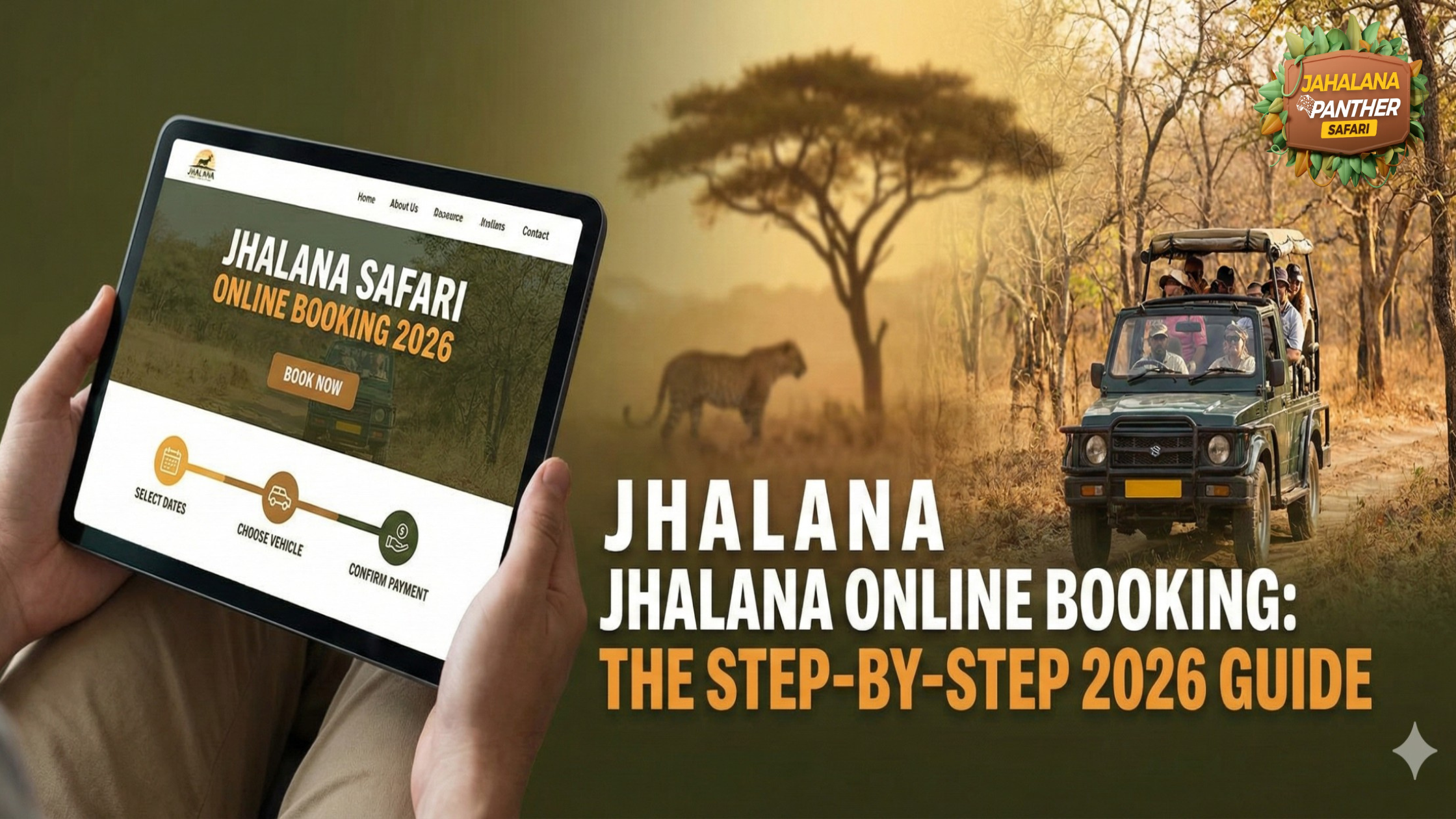
Jhalana Safari Online Booking: The Step-by-Step 2026 Guide
You have seen the viral videos of “Flora,” the leopard. You have picked your dates for Jaipur. You are ready to witness the magic of the Aravalli hills.
But then, you hit a wall: The Jhalana Safari Online Booking system.
Unlike private game reserves, where you can just call an agent, Jhalana is managed by the Rajasthan Forest Department. This means every single ticket must be generated through a centralized government portal known as the “SSO” (Single Sign On). For first-time visitors—and even seasoned travelers—navigating this interface can feel like solving a puzzle.
The reality is that Jhalana Safari Online Booking slots are fiercely competitive in 2026. Permits for weekends and holidays often vanish within minutes of release. If you don’t know exactly which button to click or which ID to upload, you will miss out.
This is not just a travel story; it is a technical manual. In this comprehensive 1,600-word guide, we demystify the Jhalana Safari Online Booking process. We will walk you through the registration, vehicle selection, and payment steps, ensuring that the only drama you experience is watching a leopard hunt, not fighting with a website.
Phase 1: Why Jhalana Safari Online Booking is Mandatory
Before we dive into the steps, you must understand the rules of the game.
There is no “offline” counter at the gate where you can buy a ticket on arrival. The entire system is digital. Whether you are a solo backpacker or a luxury traveler, you must complete the Jhalana Safari Online Booking process to generate a valid permit.
The “SSO” Hurdle
The booking engine is hosted on the Rajasthan Single Sign On (SSO) Portal. This is a massive government database used for everything from paying electricity bills to applying for jobs. Because it is not a dedicated “tourism” site, the Jhalana Safari Online Booking interface can be clunky, slow, and full of Hindi terminology.
The Pre-Booking Checklist
To succeed at Jhalana Safari Online Booking, you need to be prepared before the window opens.
- Digital IDs: You need the exact ID number for every passenger.
- Indians: Aadhar Card, Voter ID, Driving License.
- Foreigners: Passport Number (Mandatory).
- Fast Internet: The SSO portal can be heavy. A stable connection is crucial to prevent the Jhalana Safari Online Booking payment page from timing out.
- Indian Mobile Number: While not strictly mandatory for the initial login, having an Indian number ensures you receive the OTP (One Time Password) for the final confirmation.
Phase 2: The Step-by-Step Jhalana Safari Online Booking Process
Let’s break down the maze. Follow this exact workflow to secure your permit.
Step 1: Creating Your SSO ID
You cannot access the Jhalana Safari Online Booking page without an account.
- Go to sso.rajasthan.gov.in.
- Click “Registration” and select “Citizen”.
- Pro Tip: Use your Google Account to register. It is faster than verifying a mobile number manually.
- Once registered, note down your “SSO ID” (username) and Password. This is your permanent key to the Jhalana Safari Online Booking system.
Step 2: Locating the Wildlife App
Log in to your new account. You will see a dashboard with over 50 different government apps.
- Don’t panic. Look for the search bar at the top right.
- Type “Forest”.
- Click on the icon labeled “Forest and Wildlife” (it usually has a tiger or tree logo). This redirects you to the specialized Jhalana Safari Online Booking interface.
Step 3: Selecting the Reserve
You are now in the booking dashboard.
- Click on “Wildlife Safari Booking”.
- District: Select “Jaipur”.
- Place: Select “Jhalana Leopard Conservation Reserve”.
- Critical Warning: Do not select “Amagarh” or “Nahargarh” by mistake. Ensure the dropdown explicitly says Jhalana to proceed with the correct Jhalana Safari Online Booking.
Step 4: Filling in the Permit Details
This is where speed matters.
- Date: Select your travel date.
- Shift: Choose “Morning” or “Evening.”
- Vehicle: Select “Gypsy” (recommended) or “Canter.”
- Member Details: Click “Add Member.” Enter the Full Name, Gender, Age, Nationality, ID Type, and ID Number for everyone in your group.
- Note: The Jhalana Safari Online Booking system validates these details. If you enter a fake Aadhar number, it will reject the booking.
Step 5: Payment & Confirmation
Review the price breakdown. The Jhalana Safari Online Booking cost varies significantly for Indian vs. Non-Indian nationals.
- Click “Pay Now.” You can use a credit card, Debit Card, Net Banking, or UPI.
- Do Not Refresh: The payment gateway is sensitive. Let it load.
- Once successful, a PDF Permit will be generated. Download this immediately. This PDF is the final proof of your Jhalana Safari Online Booking.
Phase 3: Gypsy vs. Canter – The Critical Choice
During the Jhalana Safari Online Booking process, you will be asked to choose a vehicle. This decision will define your entire trip.
- The Gypsy (The Photographer’s Choice)
This is a 6-seater open 4×4 jeep.
- Why Book It: Jhalana’s tracks are narrow and winding. A Gypsy allows you to reverse quickly if a leopard crosses behind you. It offers eye-level angles for photography.
- Availability: There are fewer Gypsies than Canters. You must complete your Jhalana Safari Online Booking early (at least 30-45 days in advance) to secure one.
- The Canter (The Budget Option)
This is a 20-seater open-top bus.
- The Downside: It is noisy, slow, and restricted to the main roads. If a leopard is hiding in a dense nullah (dry riverbed), the Canter cannot reach it.
- Verdict: Unless you are on a strict budget, avoid selecting “Canter” during your Jhalana Safari Online Booking. The experience is vastly inferior.
Phase 4: Timing Your Jhalana Safari Online Booking
Success is all about timing. The Jhalana Safari Online Booking window opens 365 days in advance, but the real action happens closer to the date.
The “90-Day” Rule
For the best results, try to book 90 days (3 months) out. This ensures you get your preferred Zone and Shift. If you wait until 7 days before, you will likely find the Jhalana Safari Online Booking calendar completely greyed out (Sold Out).
The “Tatkal” (Last Minute) Option
Forgot to book? There is a glimmer of hope.
- The Forest Department releases a small quota of “Current” tickets daily.
- When: Online booking for these slots opens exactly 1 hour before the safari starts (e.g., 5:00 AM for morning).
- Risk: These slots are extremely limited. You must have your Jhalana Safari Online Booking details pre-filled and hit “Submit” the second the clock strikes the hour. It is a high-stress, high-reward strategy.
Phase 5: Common Mistakes to Avoid
We have analyzed thousands of failed attempts. Here are the top errors that ruin a Jhalana Safari Online Booking experience.
- ID Mismatch at the Gate: You entered your Passport number during the Jhalana Safari Online Booking, but you brought your Driving License to the gate.
- Result: Entry Denied. The guard will check the ID number printed on your permit against the physical card. They must match 100%.
- Ignoring the “Zone” Selection: While Jhalana is small, the system asks for a Zone preference. Do not click randomly. Read our guide on “Zone 1 vs Zone 2” before starting your Jhalana Safari Online Booking to ensure you pick the right terrain.
- Booking as an “Indian” to Save Money: Foreign tourists sometimes select “Indian” in the nationality dropdown to pay the lower fee.
- Result: You will be caught at the gate. You will either be forced to pay a heavy penalty in cash or your Jhalana Safari Online Booking will be cancelled on the spot for fraud.
- Waitlisting Confusion: Unlike trains, there is no “Waitlist” in the Jhalana Safari Online Booking system. If it says Sold Out, it is Sold Out. Do not pay an agent promising to “squeeze you in.” They are likely scamming you.
Conclusion
Mastering the Jhalana Safari Online Booking portal is the first step towards an unforgettable adventure. Yes, the website is old-school. Yes, the process is bureaucratic. But the reward is worth it.
By following this guide, preparing your documents, and choosing the right vehicle, you ensure that your trip starts smoothly. The moment you see that “Booking Confirmed” screen, the hard work is done. All that remains is to pack your camera, head to the Aravallis, and let nature take over.
Good luck with your Jhalana Safari Online Booking!
FAQ: Jhalana Safari Online Booking
Q: Can I modify my Jhalana Safari Online Booking after payment?
A. No. Once the permit is generated, you cannot change the date, time, vehicle, or passenger names. You would have to cancel and make a fresh Jhalana Safari Online Booking, subject to availability.
Q: What is the cost for Jhalana Safari Online Booking in 2026?
A.
- Indian Nationals: Approx. ₹1,350 – ₹1,500 per seat.
- Foreign Nationals: Approx. ₹2,500 – ₹2,800 per seat.
- Note: The total Jhalana Safari Online Booking amount includes entry fee, vehicle rent, guide fee, and GST.
Q: Is it safe to use credit cards on the SSO portal?
A. Yes. The Jhalana Safari Online Booking payment gateway is secured by the Rajasthan Government. However, UPI (GooglePay/PhonePe) often has a higher success rate than international credit cards.
Q: Do I need to print the permit?
A. While digital copies on your phone are generally accepted, it is safer to carry a physical printout of your Jhalana Safari Online Booking permit. Remote forest areas often have a poor network, and you don’t want to be stuck unable to load the file at the gate.
Q: Can I book a full Gypsy for privacy?
A. Yes. During the Jhalana Safari Online Booking process, simply select all 6 seats for yourself. You will have to pay for all 6 passengers, but this guarantees a private vehicle.
Disclaimer
- This blog post is an educational resource to assist travelers with the Jhalana Safari Online Booking process. We are not the official website of the Rajasthan Forest Department.
- The official platform for booking is sso.rajasthan.gov.in. We have no control over technical glitches, server downtimes, or payment failures on the government portal.
- Ticket prices, booking rules, and interface designs mentioned in this Jhalana Safari Online Booking guide are subject to change by government authorities without notice. Always verify details on the official SSO portal before transacting.